
Roco Kingdom Download: Official Beta Access Guide
Learn how to download Roco Kingdom through official beta routes, check access, and avoid confusing the closed test with the full launch.
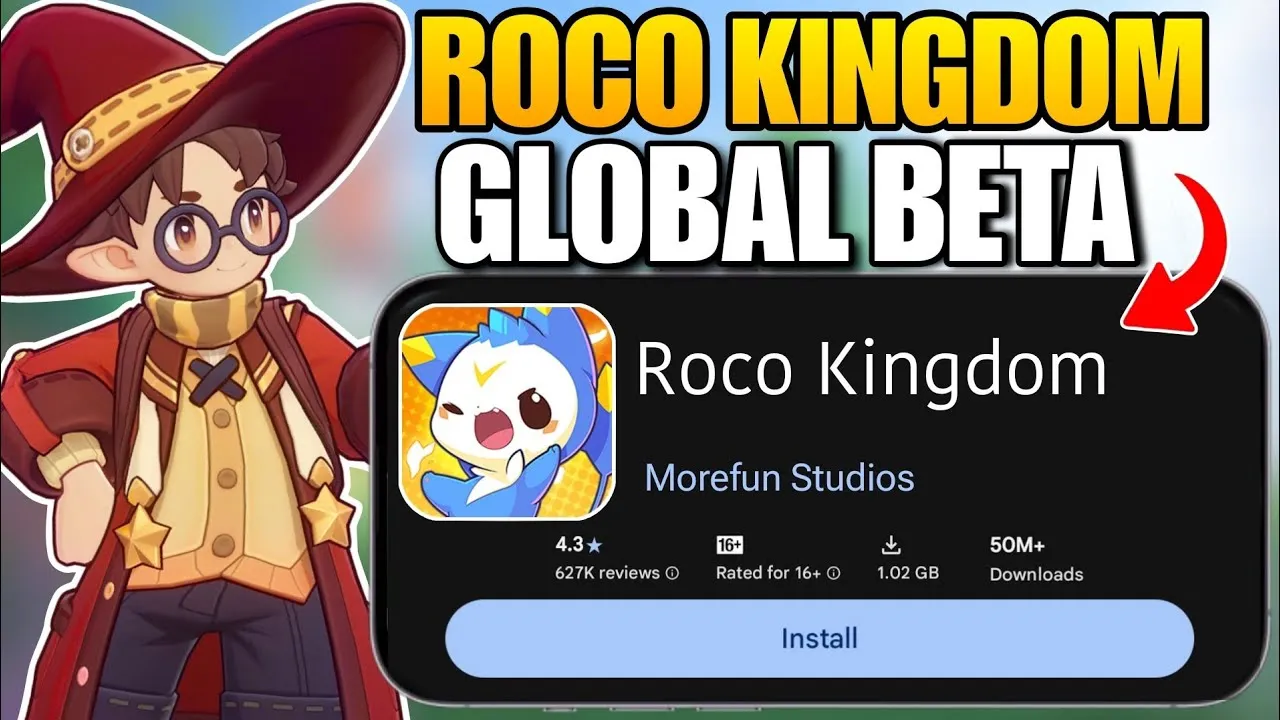
Roco Kingdom download access currently depends on whether you were selected for the Quack Quack closed beta. The official installation methods are available through the game’s website, Google Play, Apple TestFlight, or the PC launcher—not through an unrestricted global release. This guide explains what is confirmed, which platforms are supported for testing, and what to do if you were not selected.
Roco Kingdom Download Status
Roco Kingdom is not fully released on Steam yet; the official Steam listing currently shows the game as Coming soon and does not provide a full global launch date. You can view the official Roco Kingdom Steam listing for current PC availability information.
The Quack Quack Test is a limited closed beta scheduled to begin on October 27, 2026, at 04:30 UTC. This is a test start time, not confirmation of the full global release.
The main closed-beta application period has ended. However, the official website still allows pre-registration for a chance to receive access through Lucky Drops. Pre-registration does not guarantee entry into the closed beta.
How to Download Roco Kingdom for the Closed Beta
Only selected testers should use the beta download links. You must sign in with the approved Level Infinite account associated with your access. Using another account may prevent you from entering the test.
| Platform | Official beta download method | Important note |
|---|---|---|
| Android | Google Play test listing provided through the official website | Sign in with the Google account connected to your approved access; a Gmail-linked Level Infinite account may be required |
| iOS | Apple TestFlight invitation | Apple sends an invitation email with TestFlight instructions and a redemption code |
| PC | Official PC launcher | Download the launcher from the official website, sign in, and select Download |
For the latest access notices and platform links, use the official Roco Kingdom website. The site is the safest place to confirm whether your account was selected and whether a download link is available.
Android download
If you were selected for the test:
- Open the official Roco Kingdom website.
- Sign in with the Level Infinite account that received beta access.
- Open the Google Play pre-download link.
- Sign in to Google Play with the eligible account.
- Install the test build and launch it using the approved Level Infinite account.
The official notice warns that Android testers may have difficulty downloading through Google Play if their Level Infinite account was not registered with a Gmail address.
iPhone and iPad download
iOS testers do not receive the same direct store process as Android players. Apple sends an invitation from an Apple domain. Follow the email instructions to install TestFlight, then enter the provided redemption code to download the beta.
Do not share or resell the TestFlight invitation or code. The official notice states that these materials are intended for personal use and that sharing them may affect participation.
PC download
Selected PC testers should use the official launcher rather than an unofficial installer:
- Visit the official Roco Kingdom website.
- Download the PC launcher from the beta access area.
- Sign in with the Level Infinite account that was granted access.
- Select Download inside the launcher.
- Start the test after the scheduled opening time.
The developer’s Steam listing identifies 64-bit Windows 10 and 16 GB of RAM among the listed PC requirements. Check the current store page before installing because test requirements and launcher details can change.
How to Check Roco Kingdom Beta Access
The official closed-beta FAQ says players can check their access status on the Roco Kingdom website with their Level Infinite account starting October 22, 2026. Since the check date has passed, sign in through the official site and review the result before attempting to download.
Look for an official notice or a confirmation email. A pre-registration confirmation only means that your registration was recorded; it does not necessarily mean that you were selected for the closed beta.
If your account was not selected:
- Do not use another person’s Level Infinite account.
- Do not rely on copied beta codes or unofficial invitations.
- Keep your pre-registration active for possible Lucky Drops access.
- Follow the official website and social channels for future test and launch announcements.
The official closed-beta FAQ is the best source for access checks, supported test languages, and account instructions.
Is an APK Safe for Roco Kingdom Download?
A third-party Android listing currently advertises an APK for a product called Roco Kingdom Mobile. That listing is not the official global beta download route described by the developer. It also should not be treated as proof that the APK provides access to the global closed beta.
For account safety, use the official Google Play test listing supplied through the Roco Kingdom website whenever it is available. Avoid downloading modified APK files, repackaged installers, or files that ask for your Level Infinite credentials outside the official login flow.
The global version, the limited closed beta, and other Roco Kingdom releases should not be treated as interchangeable. Progress, account procedures, names, and balance data from another version should not be assumed to carry over unless the developer confirms it.
What to Expect From Roco Kingdom
Roco Kingdom is an open-world creature-collecting RPG from Morefun Studios. The official Steam description places the adventure in the continent of Carosia, where players can discover more than 400 unique Jinies and build relationships with them.
Confirmed features described by the developer include:
- Open-world exploration
- Creature collection and bonding
- Turn-based battles
- Fair PvP with equalized Jini levels
- An 18-class elemental counter system
- Magic Academy activities
- Home building
- Online co-op exploration
- Cross-platform ambitions
The developer’s global announcement lists Windows PC, PlayStation, Xbox, iOS, and Android as target platforms. That announcement does not mean every platform is included in the current closed beta. For this test, the official website specifically shows PC, Android, and iOS installation routes.
The beta supports English and Japanese according to the official FAQ, although localization may change before release. The Steam page also lists English and Japanese interface, audio, and subtitles for the PC product.
Roco Kingdom Download FAQ
Is Roco Kingdom free to download?
The Steam listing classifies Roco Kingdom as free to play. However, the full global release is still listed as coming soon, and the closed beta requires selected access. Do not assume that a free-to-play listing means the game is currently open to everyone.
Can I download Roco Kingdom without beta access?
You may be able to pre-register through the official website for a chance to receive access through Lucky Drops, but pre-registration does not guarantee entry. The official beta download routes are intended for selected testers.
When does the Roco Kingdom beta begin?
The Quack Quack closed beta is scheduled to begin on October 27, 2026, at 04:30 UTC. This date applies to the limited test and is not the confirmed full global launch date.
Is there an official Roco Kingdom download for consoles?
The developer has announced Windows PC, PlayStation, Xbox, iOS, and Android as global target platforms. The current closed-beta instructions, however, identify PC, Android, and iOS download routes. Console beta availability has not been confirmed in the supplied official notices.
Continue your research
Related gameplay video

How To Download Roco Kingdom Global Beta | Android & iOS |
Related Articles
download
Roco Kingdom apk download: Official Android Beta Guide
Find the safest official route for Roco Kingdom apk download, beta access, Android installation, and release status.
download
Roco Kingdom cn version: What’s Available and How to Play
Learn what is confirmed about the Roco Kingdom cn version, global beta access, platforms, language support, and safe download routes.
download
Roco Kingdom english version: How to Download the Global Beta
Find the confirmed Roco Kingdom english version download routes, beta date, supported languages, platforms, and release status.
Was this helpful?
Thanks for the feedback!